📥 Word to PDF Converter
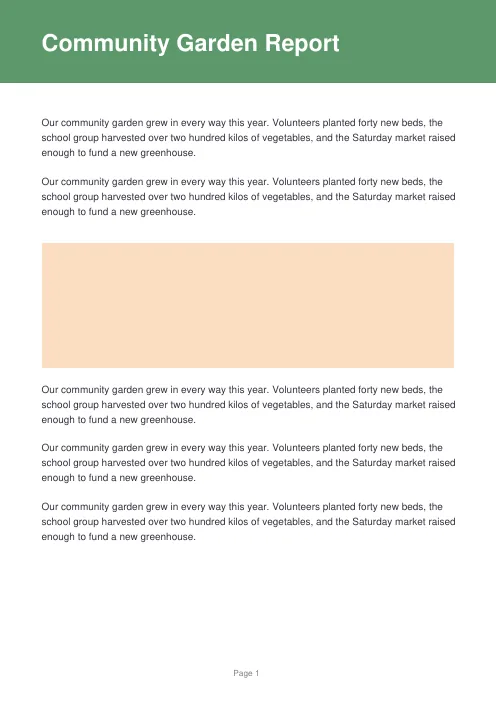
Convert Word .docx documents to PDF — formatting, images and links preserved, converted entirely in your browser so your documents never leave your device
Drag & drop .docx files here
or
Up to 15 files, 25 MB each. Modern .docx format only — old .doc files aren't supported (re-save as .docx in Word or Google Docs first). Conversion happens on your device — nothing is uploaded.
About the Word to PDF Converter
🔒 100% Private
Your document is parsed and turned into a PDF directly inside your browser. Nothing is uploaded — contracts, resumes and personal documents never leave your device.
🔤 Real, Selectable Text
Unlike tools that just screenshot each page, the PDF is built with real embedded text — so you can still select, search and copy from it, and it stays crisp at any zoom.
🎨 Formatting Preserved
Headings, bold, italic, underline, bullet and numbered lists (including nested ones), tables and images all carry over. Hyperlinks stay clickable in the PDF.
🗂️ Batch Convert
Add up to 15 documents at once. Each converts automatically and can be downloaded on its own, or grab everything in a single ZIP file.
⚠️ Good to Know
Only the modern .docx format is supported — export old .doc files to .docx first. Page layout is rebuilt from the document's content, so exact page breaks, headers/footers, footnotes and precise font substitution may differ slightly from Word. Older drawn shapes and text boxes aren't supported — if your document uses those, check the PDF for missing content.
🔁 Need the Other Direction?
Got a PDF you want as editable text instead? Try our Free PDF Editor or PDF Merger & Splitter to rework existing PDFs.