🖼️ Free Image Tools
Remove backgrounds, compress, upscale, convert and clean up photos — all on your own device, so your pictures are never uploaded.
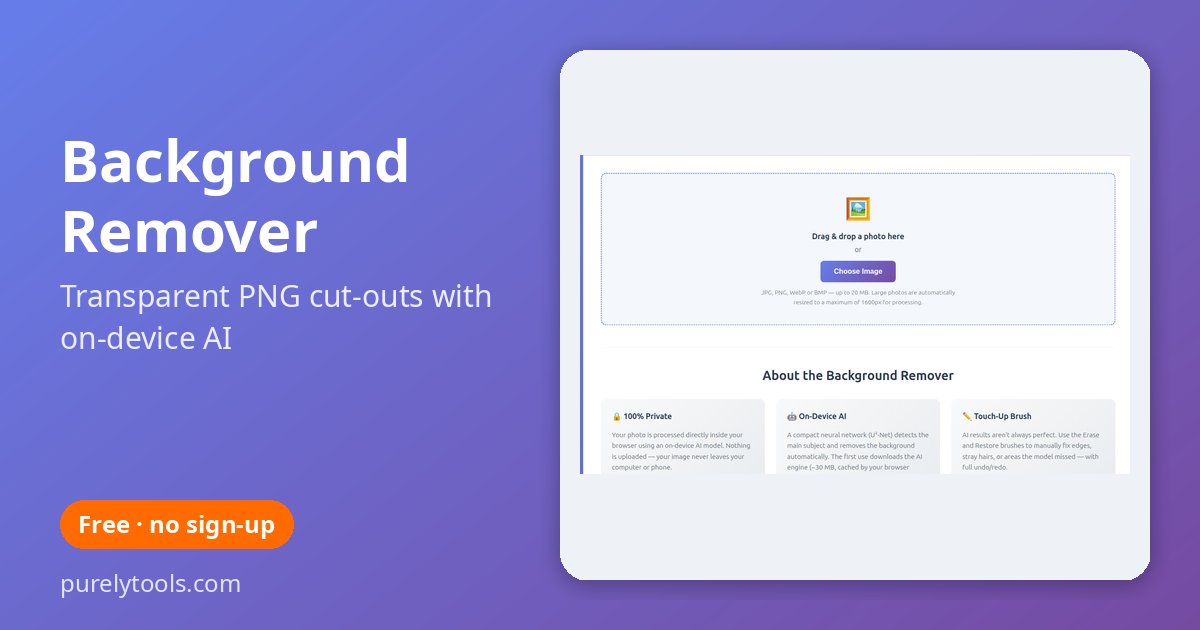
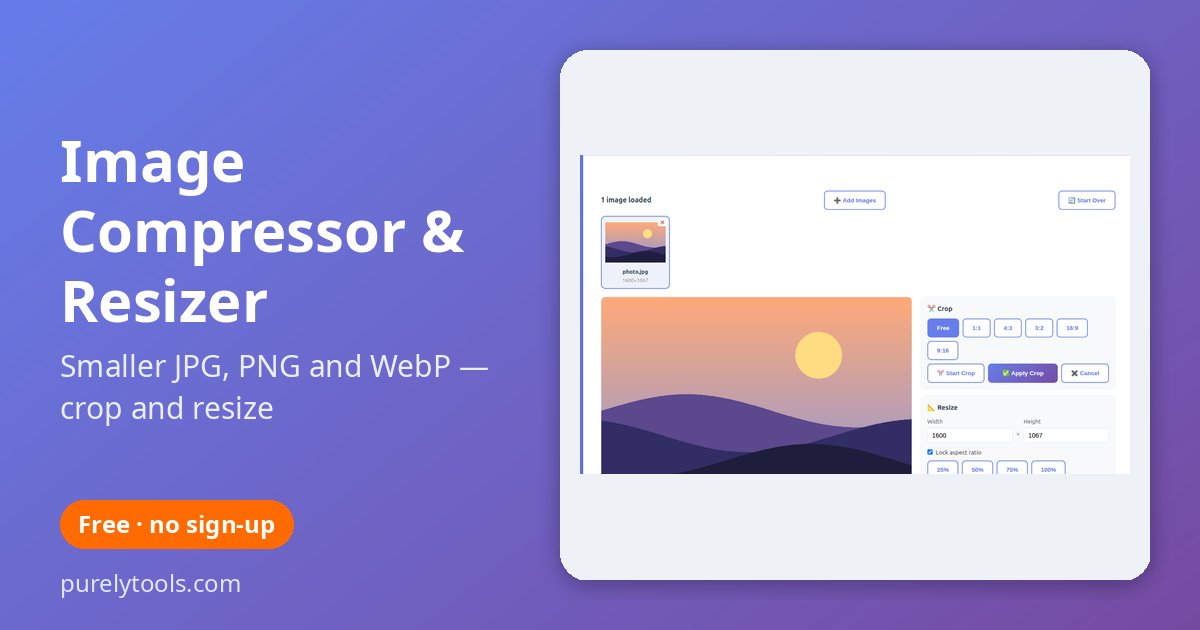
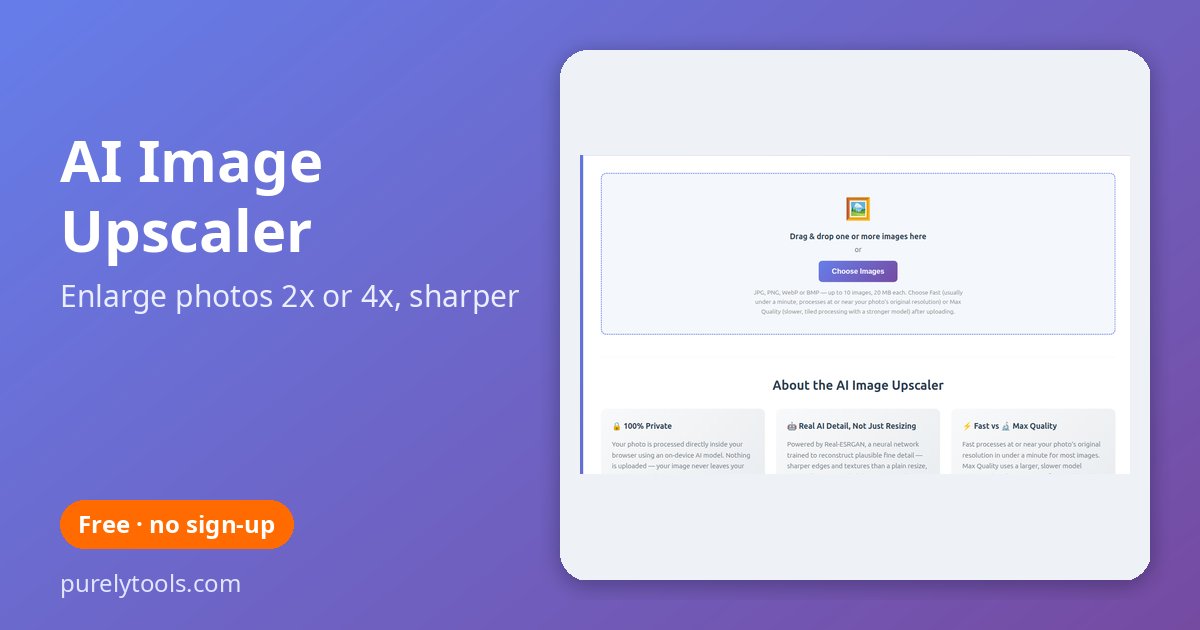
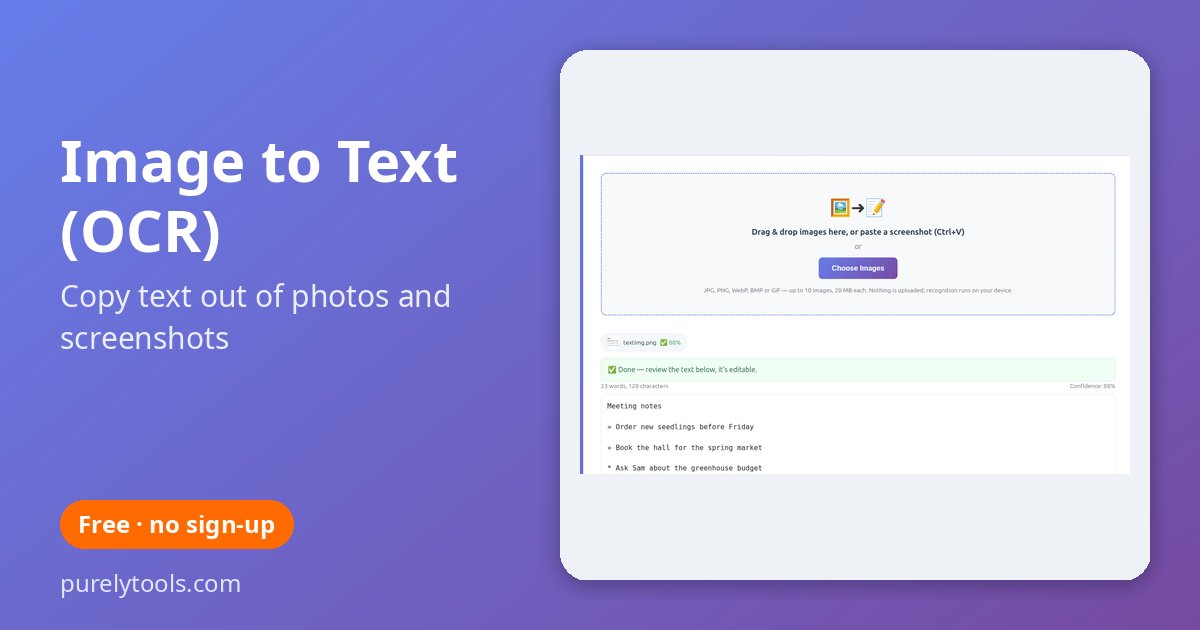
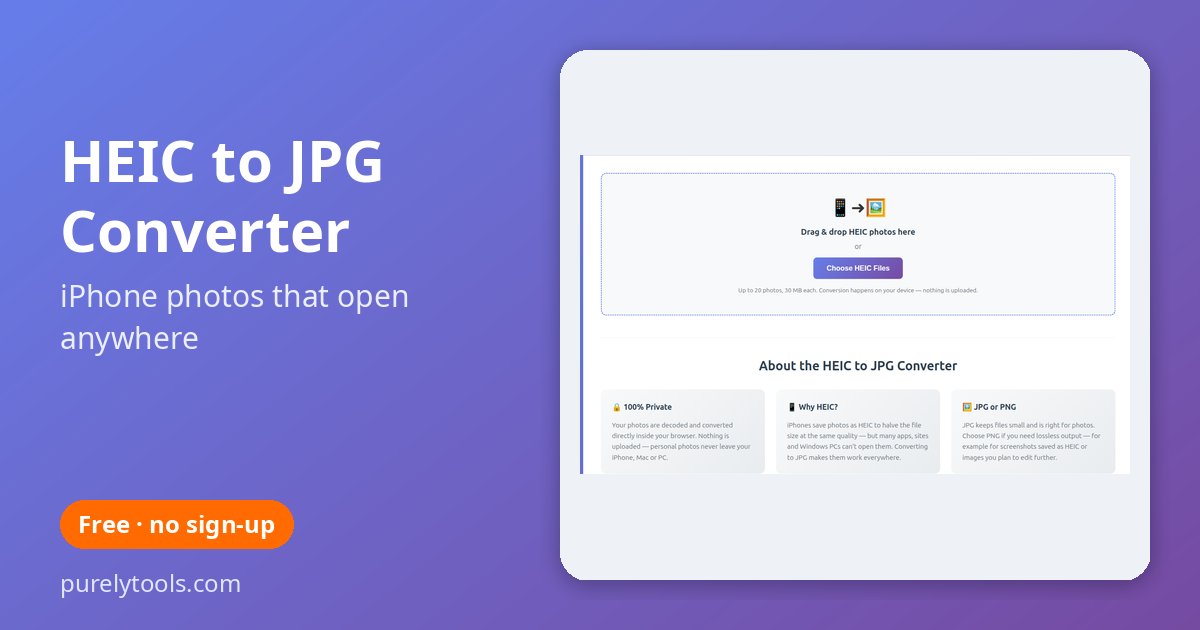
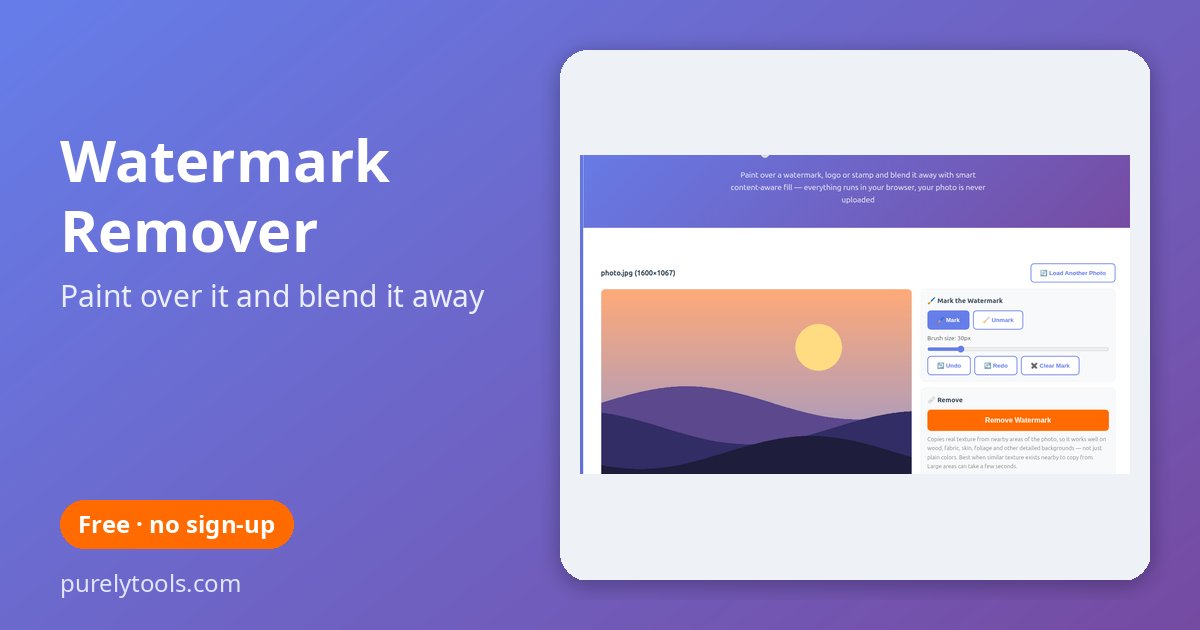
Photo tools that never upload your pictures
Every image tool here runs inside your browser. Background removal, upscaling and text recognition use AI models that download once and then work on your own device, so personal photos, ID scans and client images never travel to a server. No account, no watermark, no limits.
Which tool do I need?
| I want to… | Use |
|---|---|
| Cut out a person or product with a transparent background | Background remover |
| Make a photo smaller, resize or crop it, convert to WebP | Image compressor |
| Make a small or blurry image bigger and sharper | AI upscaler |
| Copy text out of a screenshot or photo | Image to text (OCR) |
| Open iPhone photos on a PC | HEIC to JPG |
| Remove a watermark, date stamp or object | Watermark remover |
Working with documents? See our free PDF tools, or print something with the printable templates.
Frequently Asked Questions
Are these image tools free?
Yes — free, with no sign-up, no watermark and no limit on how many images you process.
Are my photos uploaded?
No. Every image tool runs in your browser, so your pictures stay on your device.
Why is the first use of some tools slower?
The background remover, upscaler and text recognition download an AI model the first time. It is cached afterwards, so later images are much quicker.
Do they work on a phone?
Yes, in any modern mobile browser. AI tools are quicker on newer phones and computers.