📄 Free PDF Tools
Edit, sign, merge, split, convert and password-protect PDFs — most of them right in your browser, so your files never leave your device.
PDF tools that keep your files on your device
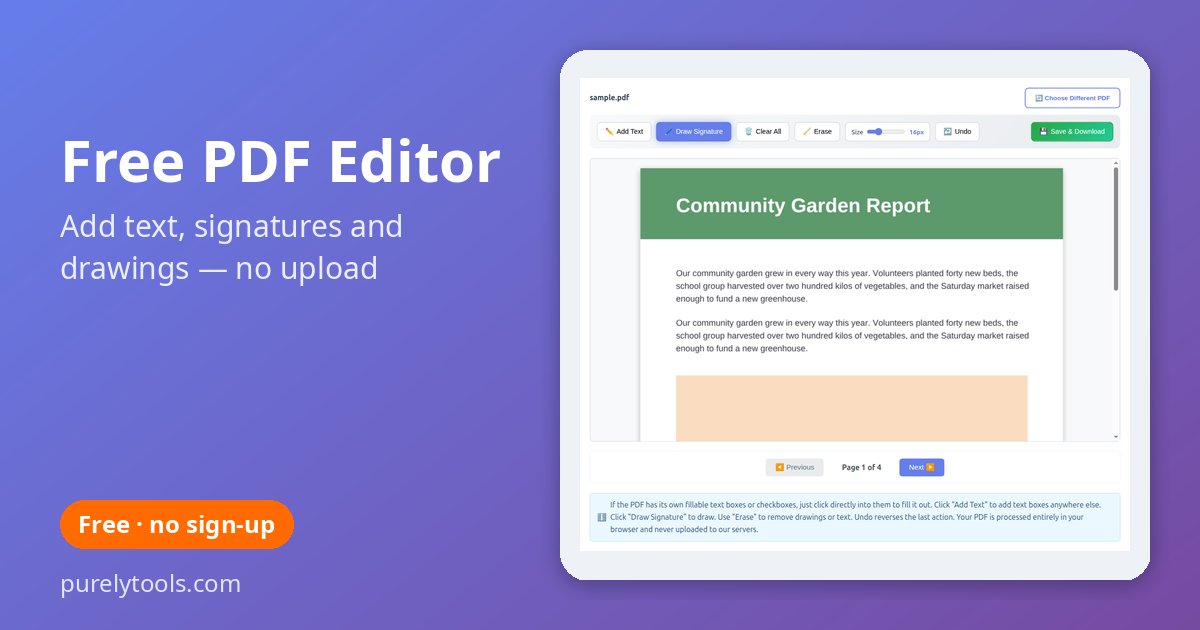
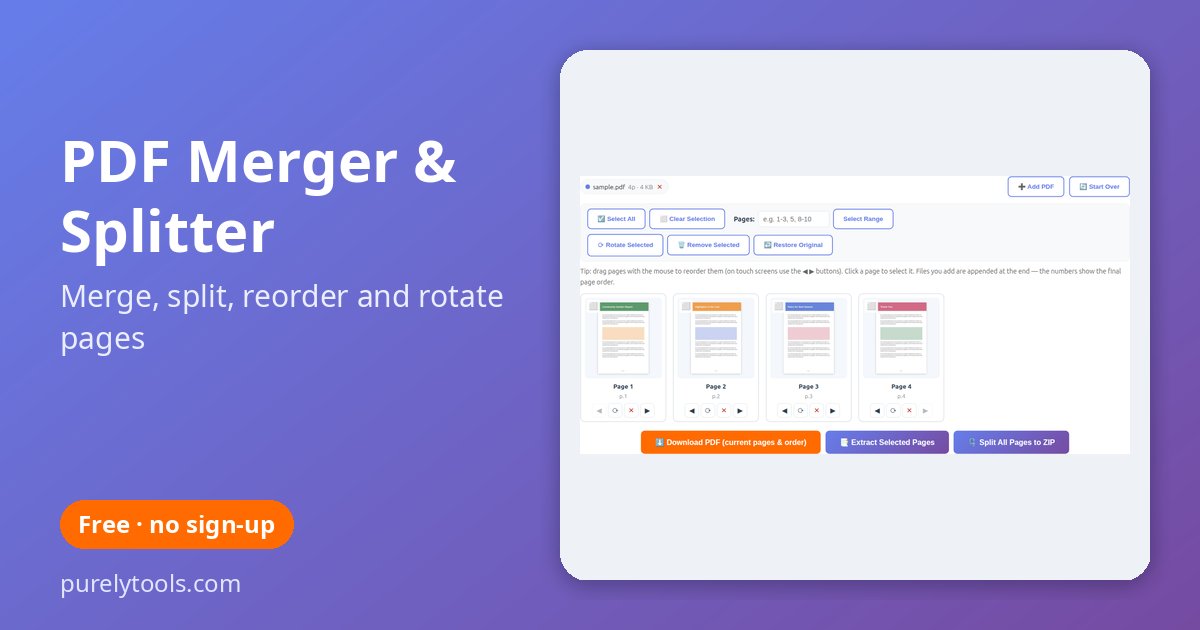
Most online PDF tools upload your document to their servers before they do anything with it. Our editor, merger, splitter, PDF-to-image, Word-to-PDF, invoice and password tools work differently: the PDF is opened, changed and saved inside your browser, so contracts, bank statements, IDs and medical letters never leave your computer or phone. There is no account to create, no watermark and no daily limit.
Which tool do I need?
| I want to… | Use |
|---|---|
| Add text, a signature or drawings to a PDF, or fill in a form | PDF editor |
| Combine PDFs, split one up, delete, rotate or reorder pages | Merge & split |
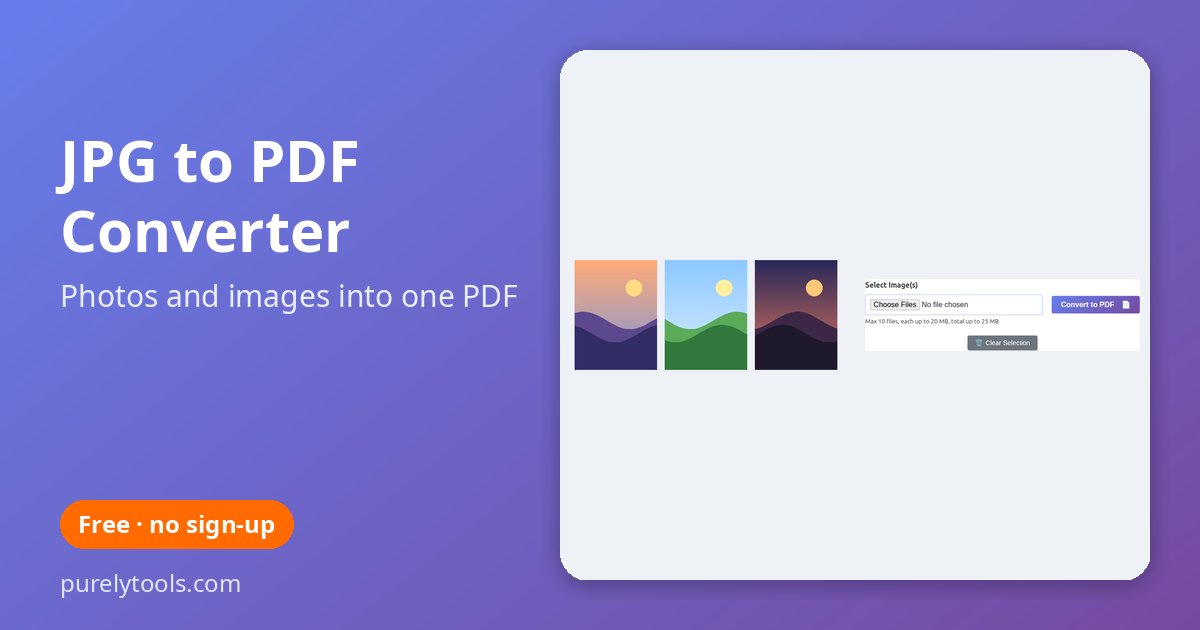
| Turn photos or scans into a PDF | JPG to PDF |
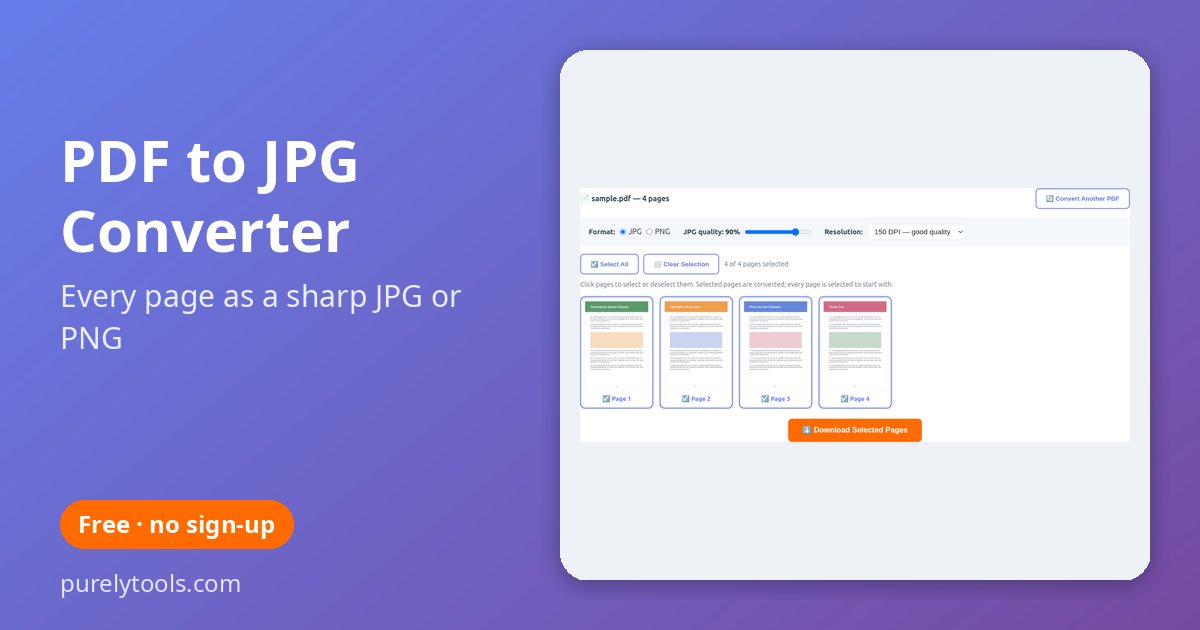
| Save PDF pages as pictures | PDF to JPG / PNG |
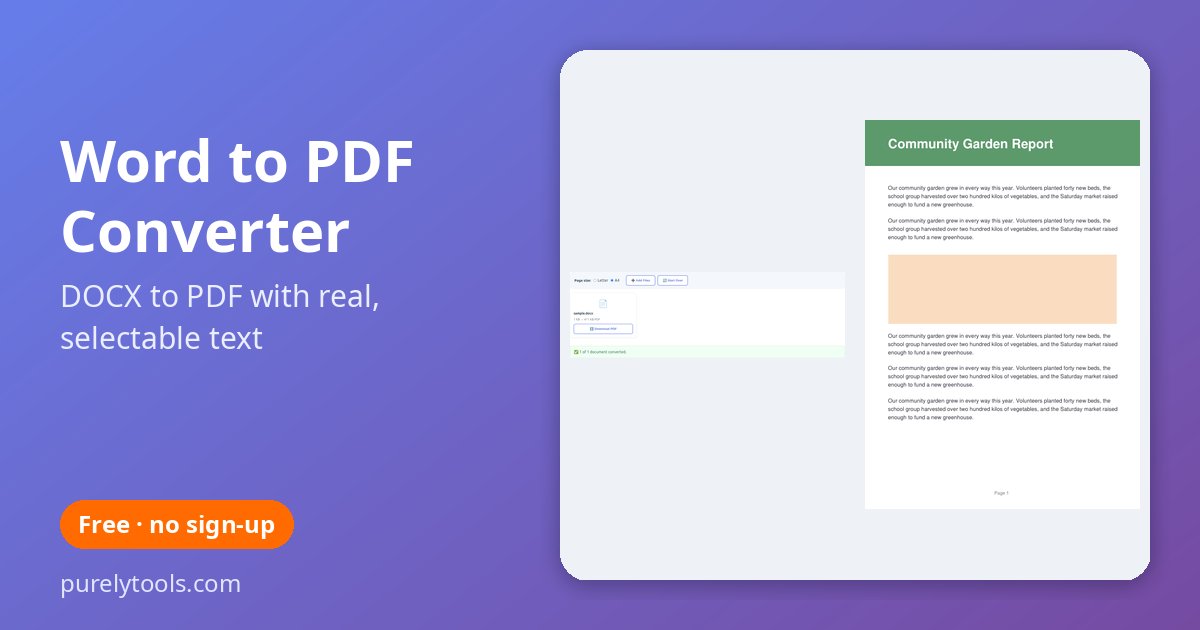
| Convert a Word document to PDF | Word to PDF |
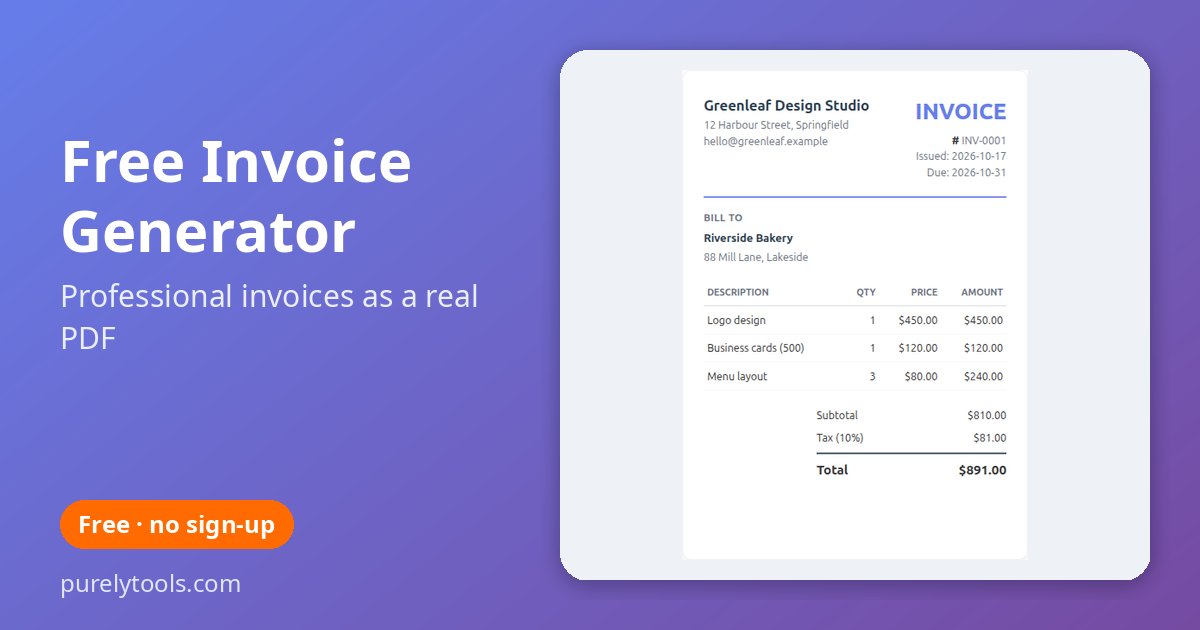
| Make an invoice for a client | Invoice generator |
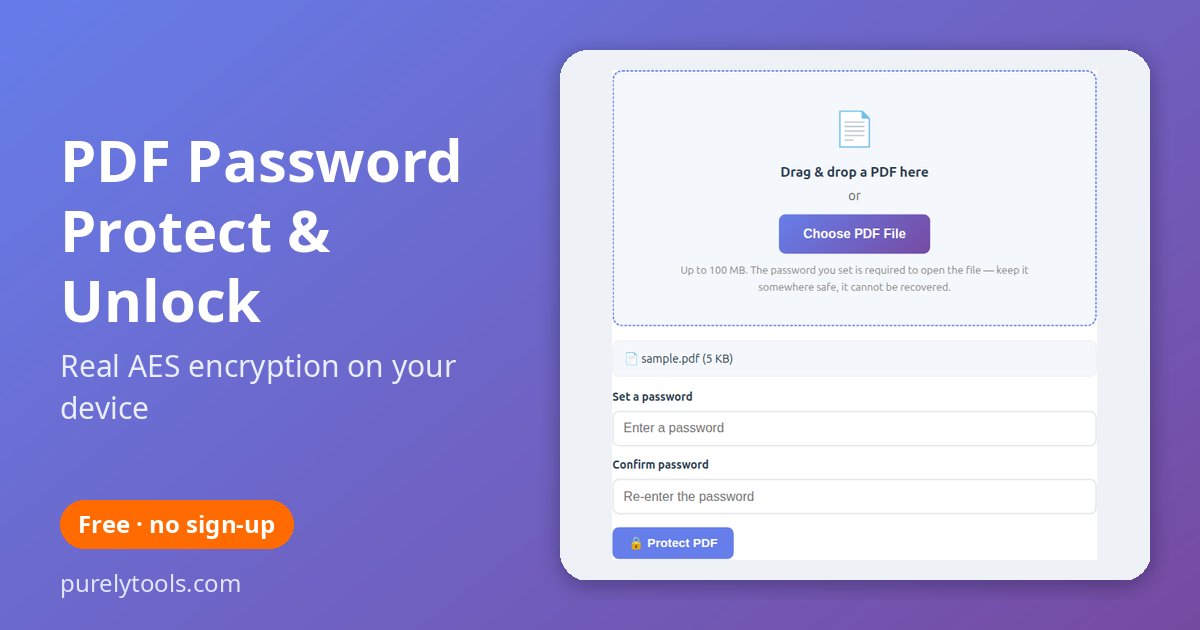
| Lock a PDF with a password, or remove one you know | Password protect & unlock |
Making something to print instead? See our free printable templates — boxes, envelopes, labels and more, all as print-ready PDFs.
Frequently Asked Questions
Are these PDF tools really free?
Yes — free with no sign-up, no watermark and no limit on how many files you process.
Are my PDFs uploaded to a server?
The PDF editor, merger and splitter, PDF to JPG, Word to PDF, invoice generator and password tool all run in your browser, so your files are not uploaded. The JPG to PDF converter processes images on our server and deletes the finished PDF automatically within an hour.
Do the tools work on a phone?
Yes. They work in any modern browser on Android, iPhone, iPad, Windows, Mac and Chromebook — nothing to install.
Is there a file size limit?
The browser-based tools are limited only by your device's memory; documents of a few hundred pages are fine on most computers. The JPG to PDF converter accepts up to 10 images per PDF.